Native iOS Experience, Built for Speed
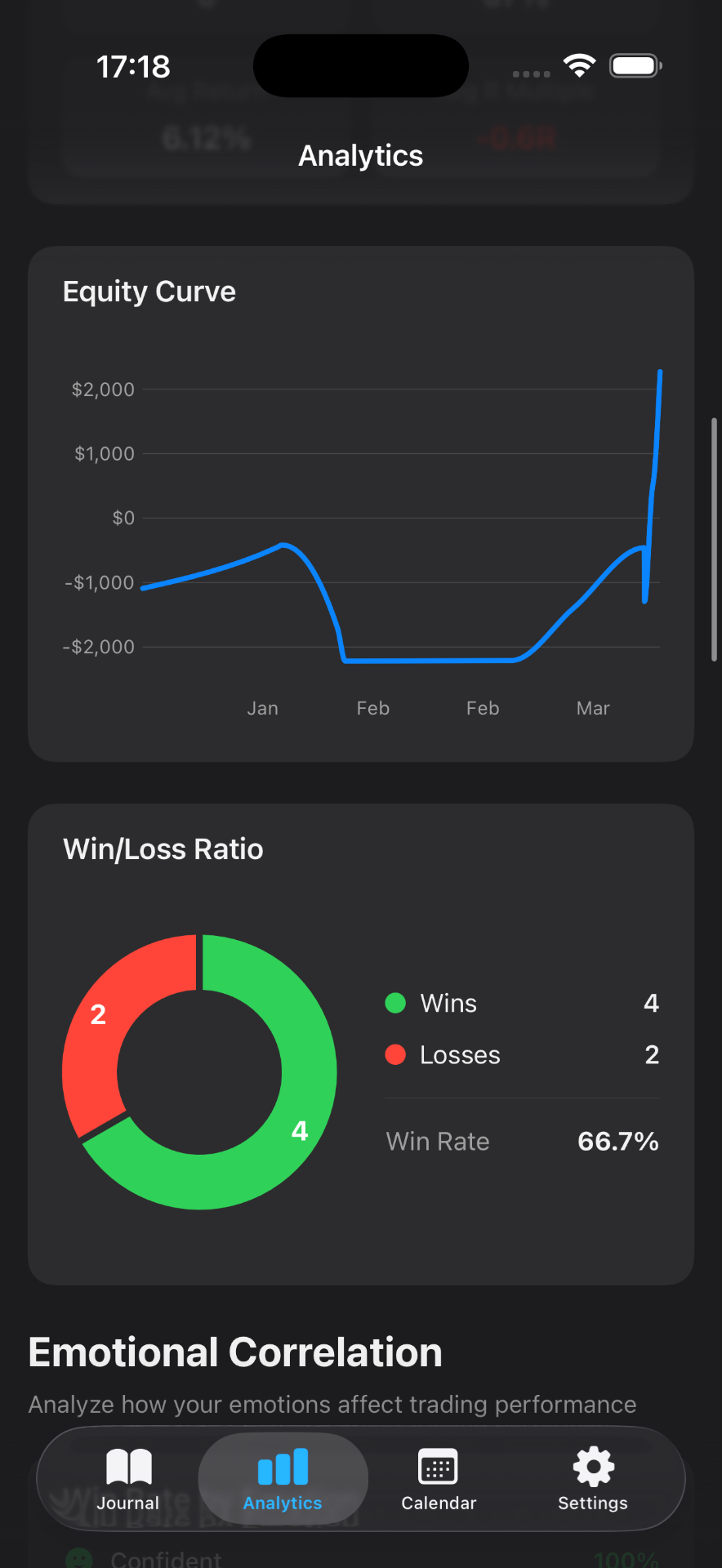
Log trades, emotions, and notes in seconds from your iPhone or iPad. Mantis is designed for the moments between candles—quick capture, offline-first, with gesture-driven navigation that feels natural on mobile.
TraderSync has built a strong reputation for multi-asset trade journaling with robust analytics and broker integrations that many desktop-first traders rely on. If you're exploring alternatives—whether you're seeking a more mobile-native experience, faster on-the-go logging, or deeper insights into the emotional and behavioral patterns behind your trades—Mantis offers a complementary approach designed specifically for iOS.
Mantis prioritizes speed and privacy: trades and journal entries live on your device by default, with optional iCloud sync. Instead of focusing solely on P&L metrics, Mantis layers in emotion tracking, behavior tagging, and psychology-focused analytics to help you understand not just what happened in each trade, but why you made the decisions you did. For traders who want a lightweight, iPhone-first journal that travels with them throughout the trading day, Mantis is built from the ground up for that workflow.

| Feature | Mantis | TraderSync |
|---|---|---|
| iOS native app | ✓ | iOS app |
| On-device data storage | ✓ | ✗ |
| No account required | ✓ | ✗ |
| Free to start | ✓ | ✗ |
| Emotion & psychology tracking | ✓ | Basic |
| Manual trade entry | ✓ | ✓ |
| Trade import | ✓ CSV (Premium) + IBKR | ✓ |
| Web app | ✗ | ✓ |
| Works fully offline | ✓ | ✗ |
Opens the App Store
Log trades, emotions, and notes in seconds from your iPhone or iPad. Mantis is designed for the moments between candles—quick capture, offline-first, with gesture-driven navigation that feels natural on mobile.
Your trades and journal entries stay on your device unless you choose iCloud sync. No mandatory cloud accounts, no third-party servers analyzing your strategy. You control where your data lives.
Tag each trade with emotions (fear, confidence, FOMO) and behaviors (overtrading, revenge trading, early exit). Mantis surfaces patterns over time, showing you which psychological states correlate with your best and worst outcomes.
With Premium, import a TraderSync, Tradervue, Interactive Brokers, or Mantis CSV, or pull Interactive Brokers trades with a Flex Query. You can also enter a trade by hand. Mantis does not sync every broker into a web account.
Attach chart screenshots, markup key levels, and annotate decision points directly in the app. Build a visual library of your setups and review them anytime, anywhere.
No ads, no social features, no noise. Mantis is a tool for serious self-reflection—helping you build consistency through honest, structured review of every trade you take.
Yes, with Premium. Export a CSV from TraderSync, then open Settings → Data & Integrations → Import Trades (CSV). Mantis detects the TraderSync format and shows a preview that flags duplicates before anything is saved. Supported files are TraderSync, Tradervue, Interactive Brokers, and Mantis CSV. Interactive Brokers can also connect with a Flex Query. Other broker files are not imported automatically.
No. The live broker connection is Interactive Brokers Flex Query only. Premium CSV import accepts TraderSync, Tradervue, Interactive Brokers, and Mantis files. Your broker login stays at the broker.
Mantis stores all trade and journal data on your device by default. You can enable iCloud sync for backup and multi-device access, but there are no mandatory cloud accounts or third-party analytics services. Your trading data remains private and under your control.
Many Mantis users execute trades on desktop platforms and then log them in the app during breaks or after market close. You can enter trades manually in under 30 seconds, or import a Premium CSV in TraderSync, Tradervue, Interactive Brokers, or Mantis format. The mobile-first design makes review and reflection feel natural, even if execution happens elsewhere.
Yes. Mantis allows you to journal trades across any asset class. You define the symbol, entry, exit, position size, and P&L—whether you're trading equities, options spreads, futures contracts, or cryptocurrency. The emotion and behavior tracking layers work universally across all instruments.
Important: Mantis is a trading journal and analytics tool. This page is not investment advice, not financial advice, and not a recommendation to buy or sell any security or instrument. Trading involves risk; past performance does not guarantee future results. Competitor feature information is provided in good faith and may change — verify current pricing and features on each product's official website before making a purchase decision.