Always in your pocket
Mantis is iOS-native, so you log the trade, your emotion, and the setup the moment it happens — no waiting to get back to a desktop. Edgewonk is built for post-session analysis at your computer.
Edgewonk has earned respect among desktop traders for its comprehensive statistical breakdowns and deep performance metrics. Many traders rely on its structured approach to identify patterns in their win rates, risk-reward profiles, and trading setups across multiple timeframes and asset classes.
Mantis offers a different paradigm: a native iOS experience designed for traders who want to capture context and emotion in real-time, right from their iPhone or iPad. While Edgewonk excels at post-session desktop analysis, Mantis prioritizes speed of logging, on-device privacy, and behavioral insights—letting you record your mindset,market conditions, and trade rationale the moment they happen, without waiting to return to your computer.

| Feature | Mantis | Edgewonk |
|---|---|---|
| Price | Free to start | $197/yr (sometimes $169) |
| Native iOS app | ✓ | ✗ |
| Mobile / on-the-go logging | ✓ | ✗ |
| Typical setup time | Seconds | Guided, desktop-first |
| No account required | ✓ | ✗ |
| On-device data storage | ✓ | Cloud account |
| Emotion & psychology tracking | ✓ | ✓ |
| Depth of statistical metrics | Core | ✓ |
| Manual trade entry | ✓ | ✓ |
| CSV / spreadsheet import | ✓ CSV (Premium) + IBKR | ✓ |
Opens the App Store
Mantis is iOS-native, so you log the trade, your emotion, and the setup the moment it happens — no waiting to get back to a desktop. Edgewonk is built for post-session analysis at your computer.
Open Mantis and start journaling today with no account and no card. Edgewonk is an annual subscription, $197/yr list price, sometimes discounted to $169, before you've logged a single trade.
A focused mobile workflow gets a trade logged in seconds. Edgewonk's depth comes with a steeper learning curve and more screens to navigate.
If you do all your review at a desk with multiple monitors, Edgewonk's desktop-first layout and bulk workflows are built for that session.
Edgewonk ships a deeper catalogue of statistical breakdowns and custom analytics out of the box. Mantis focuses on the core metrics most traders act on.
Edgewonk imports CSV and broker exports from a wider set of desktop workflows. Mantis CSV import is Premium only and accepts TraderSync, Tradervue, Interactive Brokers, and Mantis CSV files, plus an IBKR Flex Query. It does not import every broker file.
Capture your trade, emotional state, and setup notes directly from your phone—whether you're at your desk, commuting, or reviewing charts on the go. Mantis is built for iOS from the ground up, so logging is fast, intuitive, and always within reach.
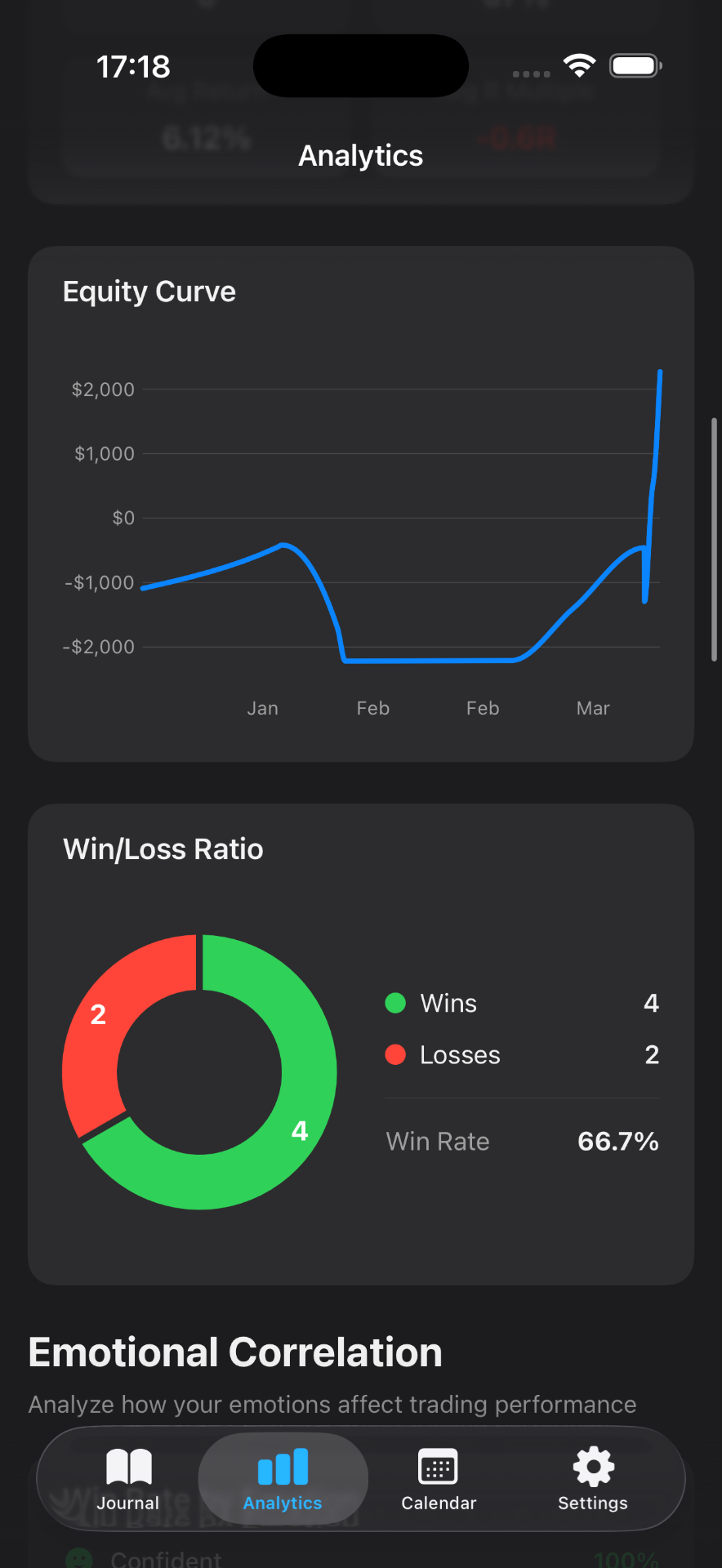
Beyond P&L and win rate, Mantis tracks your emotional tags (confidence, FOMO, patience) and correlates them with outcomes. Understand not just what happened in your trades, but why—surfacing behavioral patterns that desktop stats alone may miss.
Your journal data lives on your device by default. No mandatory cloud sync, no third-party servers analyzing your trades. You control when and how your data is backed up, giving you complete ownership of your trading history.
Attach chart screenshots and annotations directly to each trade. Mantis makes it simple to capture the visual story—support/resistance levels, breakout patterns, or key price action—so you can review exactly what you saw when you entered.
Whether you're journaling on an iPhone during lunch or reviewing your week on an iPad in the evening, Mantis adapts seamlessly. The same powerful features, optimized for the screen you're holding.
Premium CSV import accepts TraderSync, Tradervue, Interactive Brokers, and Mantis CSV files, and you can export anytime. An Edgewonk file has to match one of those formats first. Mantis does not import every broker CSV.
Not as an Edgewonk export. Premium CSV import accepts TraderSync, Tradervue, Interactive Brokers, and Mantis CSV files, and Interactive Brokers can also connect with a Flex Query. To move a history across, put it in the Mantis CSV format (the free trading journal template lists the columns), then use Settings → Data & Integrations → Import Trades (CSV).
Mantis focuses on behavioral and contextual insights—emotion tracking, setup patterns, and visual trade reviews—rather than exhaustive statistical matrices. If you need granular desktop analytics, you might use both tools in tandem; if you prioritize real-time journaling and mindset tracking, Mantis delivers that natively on iOS.
By default, your journal lives on your device. Mantis offers optional iCloud sync for backup and multi-device access, but it's entirely your choice. You control where your data goes, and you can export it anytime.
Mantis is designed for real-time capture. Log your entry rationale, emotional state, and market conditions in seconds—right after you place the trade. Later, add exit notes and screenshots. This immediacy helps you remember context that fades by end-of-day.
That's a core Mantis use case. Execute your trades on your desktop platform or broker app, then pull out your iPhone to journal the why, how, and how you felt. Mantis complements your existing trading stack without requiring you to change brokers or desktop tools.
Important: Mantis is a trading journal and analytics tool. This page is not investment advice, not financial advice, and not a recommendation to buy or sell any security or instrument. Trading involves risk; past performance does not guarantee future results. Competitor feature information is provided in good faith and may change — verify current pricing and features on each product's official website before making a purchase decision.