Download the template
Same columns in both files. The CSV imports directly. Numbers users fill the sheet, then export to CSV before importing.

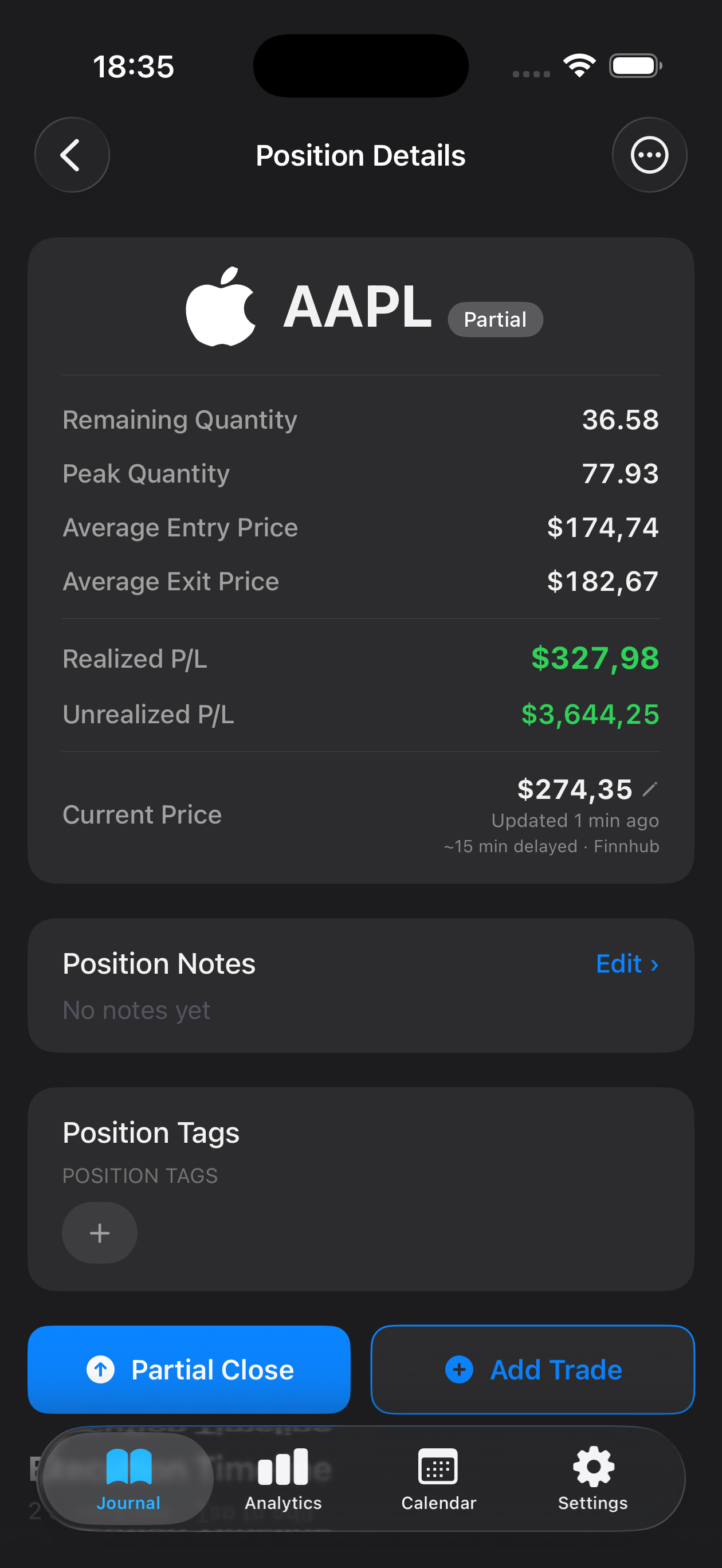
People searching for a spreadsheet alternative often want a file first, then maybe an app. This page is that file. If you are choosing between Excel and an iPhone journal, see the trading journal spreadsheet alternative instead — that page is the product comparison.
What each column is for
Headers match Mantis native export, including the emotion column the importer uses to recognise this format. One row is one execution, not a finished round-trip with P&L. Leave prices blank on the side that does not apply (entry rows leave exit_price empty; close rows leave entry_price empty).
| Column | Required | What to enter |
|---|---|---|
| symbol | Yes | Ticker or pair, e.g. AAPL or EURUSD. Imported uppercase. |
| trade_type | Yes | Long or Short. |
| execution_type | Yes | Entry, ScaleIn, PartialClose, or FullClose. |
| entry_price | On entries | Fill on Entry / ScaleIn rows. Leave empty on closes. |
| exit_price | On closes | Fill on PartialClose / FullClose rows. Leave empty on entries. |
| quantity | Yes | Shares, units, or lots. Must be greater than zero. |
| entry_date | Yes | yyyy-MM-dd on every row, including closes (the original entry day). |
| exit_date | On closes | yyyy-MM-dd. If blank on a close, Mantis uses entry_date. |
| stop_loss | No | Stop price. Blank is fine. |
| tags | No | Semicolon or comma separated, e.g. Breakout;ORB. |
| emotion | Column required | Keep the header even if cells are empty. Values: Confident, Anxious, FOMO, Revenge Trade, Calm, Overconfident. |
| emotion_notes | No | Free text for why you felt that way. |
| notes | No | Per-execution notes. Newlines become spaces on export. |
| position_notes | No | Notes on the whole position (max 2,000 characters). |
| position_tags | No | Tags on the position, same separators as tags. |
The sample rows are examples. Delete them before importing, or Mantis will journal those fictional AAPL / EURUSD / BTC-USD executions.
How to import into Mantis
- Open Mantis on iPhone.
- Go to Settings.
- Scroll to Data & Integrations.
- Tap Import Trades (CSV). This is a Premium feature; Free hits a paywall here.
- Pick the CSV (Files, iCloud Drive, Mail, or a Numbers export). Mantis accepts
.csvand.txtonly — not.numbers. - Review the preview. Valid and warning rows import; error and duplicate rows are skipped.
- Confirm. You should see your symbols in the journal.
Caps: 2,000 rows and 5 MB, UTF-8. Mantis also detects TraderSync, Tradervue, and Interactive Brokers activity-statement CSVs if you already have those exports — this template is the native Mantis layout.
Numbers path: open the .numbers file, fill rows, then File → Export To → CSV (Mac) or Export → CSV (iPhone). Import that CSV with the steps above.
When to stop using the sheet
Use the template to capture history or to journal on a laptop. Once that history is in Mantis, log new trades in the app — that is where emotion tags, R-multiples, and charts stay in sync without formulas.
Stop maintaining the spreadsheet when you skip rows on busy days, when a formula silently breaks stats, or when you want the journal in your pocket. Keep a CSV export from Mantis as a backup; do not run two live journals.
Opens the App Store
Frequently asked questions
What columns does Mantis actually import?
The native file uses symbol, trade_type, execution_type, entry_price, exit_price, quantity, entry_date, exit_date, stop_loss, tags, emotion, emotion_notes, notes, position_notes, and position_tags. Those headers match what Mantis exports, so a file you fill from this template can round-trip. There is no P&L column — Mantis computes P&L from entries and exits.
Can I import an Apple Numbers file straight into Mantis?
No. Mantis accepts CSV or TXT only. Open the Numbers starter, fill your trades, then export to CSV (File → Export To → CSV) and import that file.
How do I import the CSV into Mantis?
In Mantis, open Settings, scroll to Data & Integrations, and tap Import Trades (CSV). Pick the CSV, review the preview, then confirm. CSV import is a Premium feature. Free users can still use the template as a spreadsheet journal.
Is this the same as the spreadsheet alternative page?
No. This page is the downloadable file. The spreadsheet alternative page compares journaling in Excel or Google Sheets with journaling in Mantis. Use this URL if you want the template; use that URL if you are choosing a product.
When should I stop using the spreadsheet?
Once your history is in Mantis, log new trades in the app. Stop using the sheet when you skip rows on busy days, when formulas break, or when you want emotion tags and automatic metrics on iPhone.
Important: Mantis is a trading journal and analytics tool. This page is not investment advice, not financial advice, and not a recommendation to buy or sell any security or instrument. Trading involves risk; past performance does not guarantee future results. Consult a qualified professional before making financial decisions.