Trade Entry Built for Oil Markets
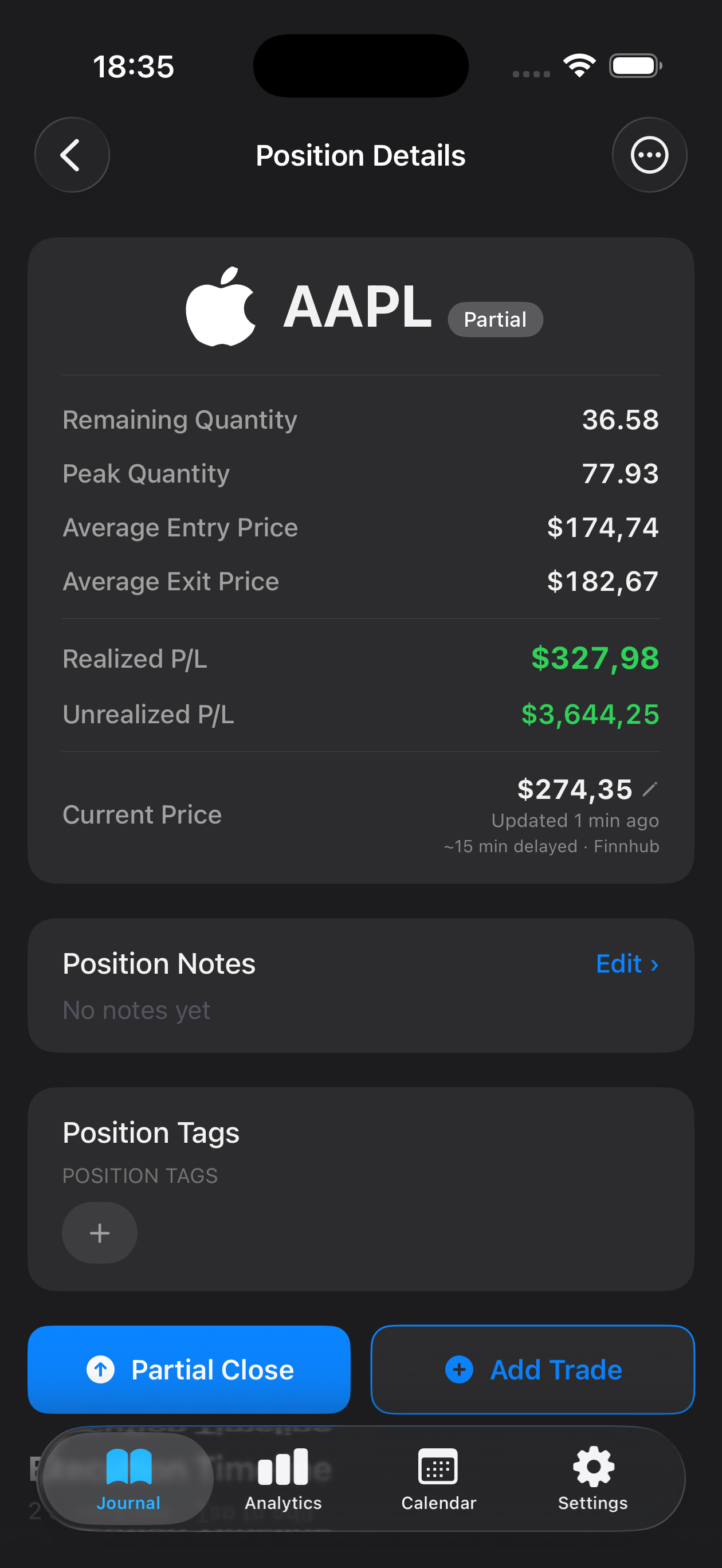
Log entry price, exit price, position size, and trade duration in seconds. Capture the specific crude contract, market conditions, and your reasoning—everything you need to review performance later.
Crude oil trading demands precision, discipline, and clear records. Mantis is a dedicated trading journal built for iPhone that helps oil futures and spot traders track every trade, note market conditions, and review patterns without distraction. Unlike spreadsheets or scattered notes, Mantis keeps your crude oil trading data organized and secure—stored locally on your device, always at your fingertips. Whether you're analyzing WTI, Brent, or other crude benchmarks, a structured journal is your foundation for learning from each trade and refining your strategy over time.

Opens the App Store
Log entry price, exit price, position size, and trade duration in seconds. Capture the specific crude contract, market conditions, and your reasoning—everything you need to review performance later.
All your trading records stay on your iPhone. No cloud uploads, no syncing to external servers. Your journal remains yours alone, encrypted on your device.
Search, filter, and analyze your crude oil trades by date, outcome, or market condition. Spot recurring patterns and refine your approach based on real data.
Add custom tags—'trending,' 'breakout,' 'geopolitical event'—and detailed notes to capture context that numbers alone can't express.
Your trading journal fits in your pocket. Review trades, add notes, and stay disciplined whether you're at your desk or on the move.
Yes. Mantis is a standalone journal that works with any broker or trading venue. You manually log your trades—entry price, size, exit price, and notes—making it flexible regardless of where you trade.
No. Mantis stores all data locally on your iPhone only. There is no cloud backup or syncing. Your journal remains private and under your control on your device.
Record your entry and exit prices, position size, contract type (WTI, Brent, etc.), date and time, outcome, and any relevant notes about market conditions or your reasoning. This creates a complete record to review performance and identify patterns.
A journal lets you review what worked and what didn't. By tracking entries, exits, and market conditions over time, you can spot patterns in your best and worst trades, test hypotheses, and make more informed decisions.
Mantis keeps your data on your device for privacy. You can review and analyze your trades within the app. For external sharing or backup, you would manage that separately outside the app.
Important: Mantis is a trading journal and analytics tool. This page is not investment advice, not financial advice, and not a recommendation to buy or sell any security or instrument. Trading involves risk; past performance does not guarantee future results. Consult a qualified professional before making financial decisions.