Track Every Cable Setup
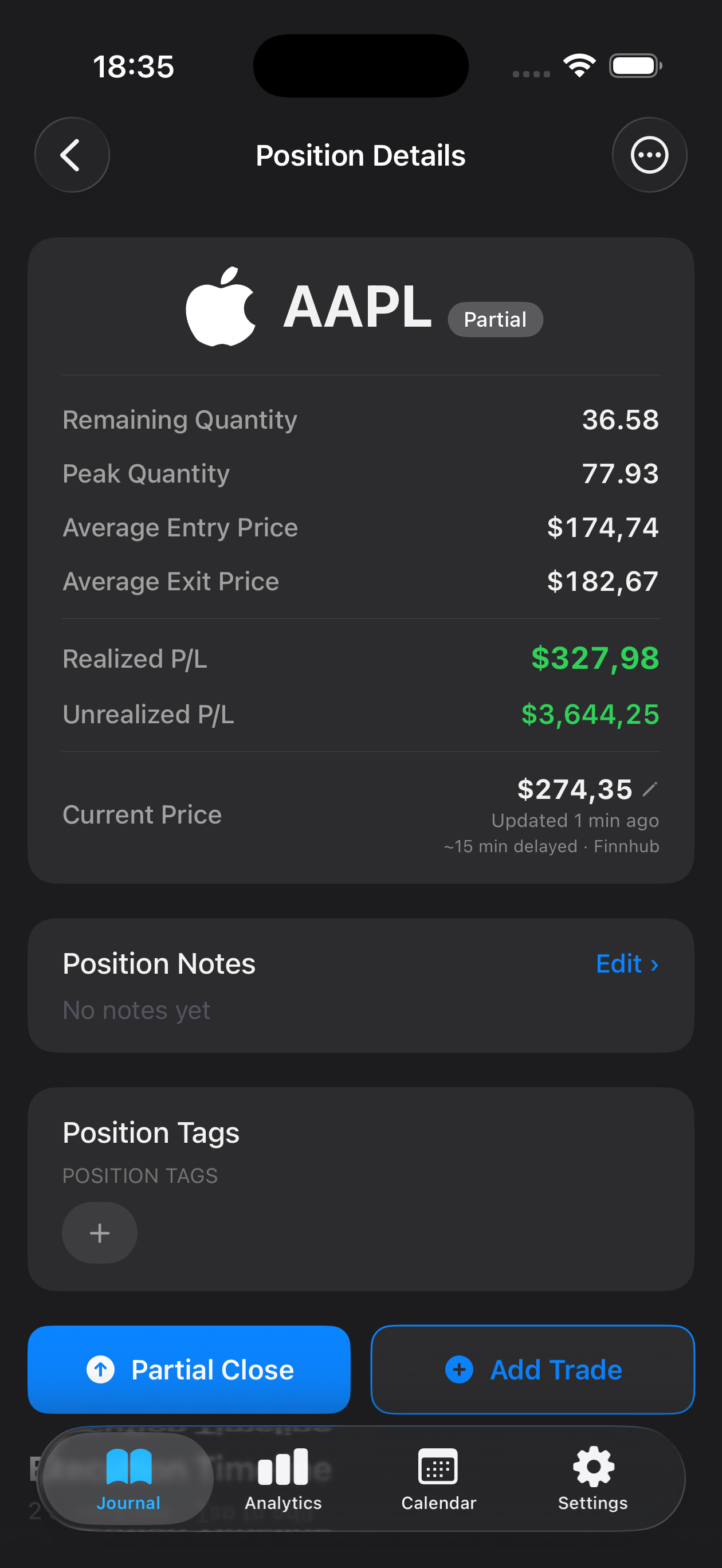
Log entry and exit prices, position size, and timeframes for each GBP/USD trade. Tag setups like breakouts, range plays, or news-driven moves to see which strategies work best for you.
GBP/USD—often called "Cable"—is one of the most liquid and volatile currency pairs in forex, making it a favorite among day traders and swing traders alike. Whether you're navigating Bank of England announcements, reacting to Federal Reserve policy shifts, or trading breakouts around London and New York session overlaps, keeping a detailed record of every Cable trade is essential for refining your edge. Mantis gives you a powerful, privacy-first trading journal built exclusively for iPhone, storing every GBP/USD entry, exit, and lesson learned directly on your device. No cloud sync, no subscriptions—just a clean, fast tool that helps you analyze your Sterling setups, spot recurring mistakes, and build the discipline that separates consistent traders from those who chase the market.

Opens the App Store
Log entry and exit prices, position size, and timeframes for each GBP/USD trade. Tag setups like breakouts, range plays, or news-driven moves to see which strategies work best for you.
Filter trades by London, New York, or overlap sessions to discover when your GBP/USD edge is strongest. Mantis makes it simple to compare volatility windows and refine your timing.
Capture screenshots of your Cable charts, annotate key levels, and write down your trade thesis. Review your reasoning later to understand what you saw—and what you missed.
All your GBP/USD trade data lives only on your iPhone. Mantis never syncs to the cloud, never requires an account, and never shares your journal with anyone.
Review weeks or months of Cable trades in one view. Identify which market conditions suit your style and which scenarios consistently trip you up.
GBP/USD has unique volatility patterns, reacts strongly to UK and US economic data, and behaves differently across trading sessions. By journaling Cable trades separately, you can isolate which setups, timeframes, and news events align with your strengths and adjust your approach accordingly.
Yes. Mantis lets you attach photos and screenshots directly to each trade entry. Capture your GBP/USD chart, annotate support and resistance levels, and save the visual context so you can review your decision-making process later.
No. Mantis stores all trade data locally on your iPhone only. There is no cloud sync, no remote backup, and no account required. Your GBP/USD journal stays private and under your control.
Tag each trade with the session or time window when you entered. Later, filter your journal by those tags to compare win rates, average gains, and common mistakes during different GBP/USD trading hours.
Journaling creates accountability and reveals patterns you might not notice in the moment. By reviewing your GBP/USD setups, risk management, and emotional state over time, you can refine your strategy, cut losing habits, and reinforce what actually works for your style.
Important: Mantis is a trading journal and analytics tool. This page is not investment advice, not financial advice, and not a recommendation to buy or sell any security or instrument. Trading involves risk; past performance does not guarantee future results. Consult a qualified professional before making financial decisions.