Log Pair-Specific Data
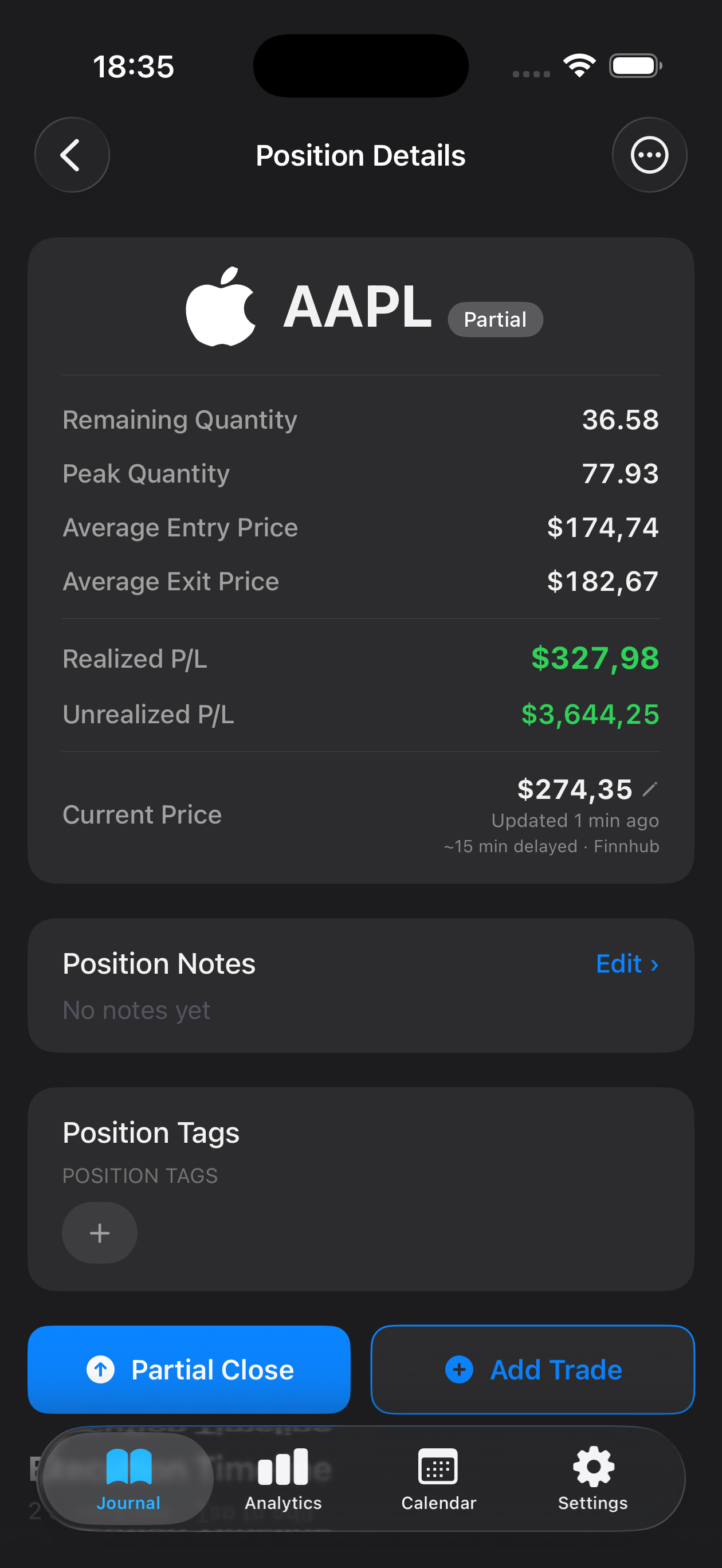
Record the long and short legs, entry and exit prices, spread width at entry, correlation metrics, and hedge ratio for each trade. Organize your journal entries to capture the exact setup that triggered your signal.
Pairs trading demands precision, discipline, and systematic record-keeping. Mantis helps you log every relative value setup, entry signal, and exit rationale—building a detailed history of your statistical arbitrage decisions. By reviewing each trade's context and outcome, you identify which market conditions, spread patterns, and hedge ratios work best for your approach. Track correlations, divergences, and performance metrics all in one journal, stored securely on your device.

Opens the App Store
Record the long and short legs, entry and exit prices, spread width at entry, correlation metrics, and hedge ratio for each trade. Organize your journal entries to capture the exact setup that triggered your signal.
Study how pairs performed across different market regimes. Filter and sort trades by correlation level, spread behavior, and time of day to spot which statistical relationships consistently validate your thesis.
Document entry delays, slippage between legs, and the time to full correlation recovery. Analyze whether your execution method improves or hinders profitability across your pair trades.
Compare results from different hedge ratios and rebalancing schedules. Identify which ratios reduce drawdown and which amplify risk during regime shifts or liquidity stress.
All your trade data stays locally on your phone or tablet. No cloud uploads, no sync across devices—your journal remains private and under your control.
Yes. You can record each leg separately with its own price, size, and direction, then add notes linking them as a single pairs trade. Custom fields let you annotate the spread width, correlation assumption, and hedge ratio for the setup.
Filter and analyze your trades by entry conditions, correlation levels, sector pairs, or market regime. Review statistics on win rate, average hold time, and P&L by pair type to see which setups align best with your edge.
No. Mantis stores all journal entries locally on your device only. There is no cloud backup or sync feature. Your trade data remains private and never leaves your phone or tablet.
Yes. You can export your trades in CSV or PDF format for further analysis in spreadsheets or charting tools, making it easy to study long-term patterns and refine your pairs selection criteria.
Document the pair names, leg prices and sizes, entry date/time, exit date/time, spread width at entry, your correlation assumption, hedge ratio, any slippage or execution notes, and the reason you closed the trade. This detail supports honest, actionable review.
Important: Mantis is a trading journal and analytics tool. This page is not investment advice, not financial advice, and not a recommendation to buy or sell any security or instrument. Trading involves risk; past performance does not guarantee future results. Consult a qualified professional before making financial decisions.