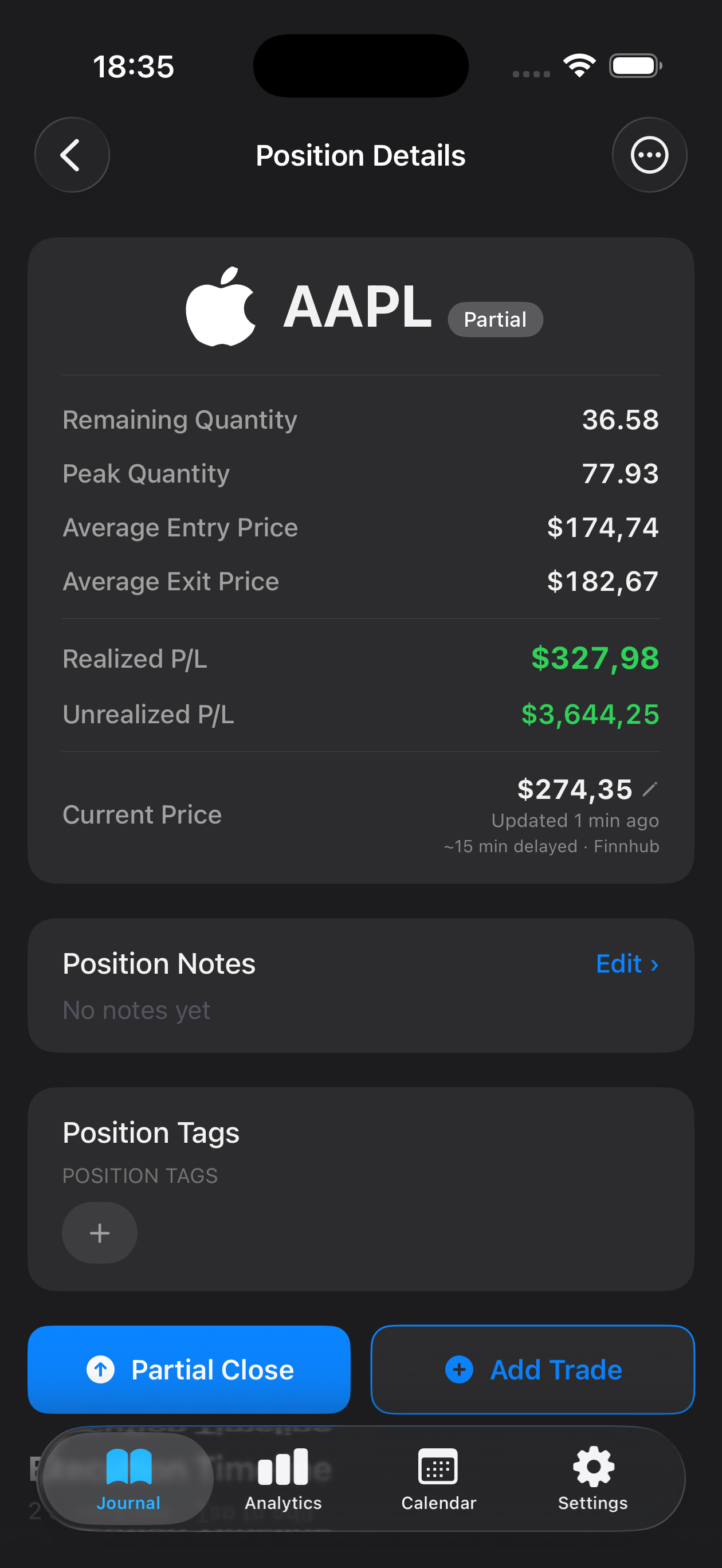
Scalping demands split-second decisions, tight risk management, and relentless discipline across dozens or even hundreds of trades each week. Mantis gives scalpers a native iOS trading journal designed to capture every entry, exit, and emotion without slowing you down. Whether you're working tick charts, order flow, or Level II data, journaling each scalp helps you identify which setups deliver consistent edge and which patterns drain your account. Review your win rate by time of day, track how spread and slippage impact profitability, and refine your execution speed. All trade data stays private and local on your device—no cloud syncing, no third-party servers—so you control your performance history completely.
Capture entry price, exit price, size, and timestamp for every scalp in seconds. Mantis streamlines data entry so you can log twenty trades in the time it takes to review one, keeping your journal current without cutting into screen time.
Analyze Win Rate by Session and Setup
Filter trades by time of day, ticker, or entry signal to see which scalping windows and patterns yield the highest probability. Spot when your edge appears—and when fatigue or volatility erodes it.
Track Execution Costs and Slippage
Record commission, spread, and fill quality for each trade. Over hundreds of scalps, even fractional costs compound; Mantis helps you quantify how broker fees and slippage impact net profitability.
Review Emotional Discipline Under Pressure
Tag trades with notes on patience, overtrading, or revenge behavior. Scalping amplifies emotional mistakes; journaling reveals when impulse overrides your rules and how to strengthen mental resilience.
Privacy-First: Data Never Leaves Your iPhone
Every trade, note, and screenshot lives exclusively on your device. Mantis does not sync to iCloud or external servers, so your proprietary setups and performance metrics remain completely private.
Frequently asked questions
Can I log 50+ trades per day without it taking forever?
Yes. Mantis is built for speed: quick-entry fields, duplicate-trade shortcuts, and minimal taps mean you can log an entire scalping session in minutes. Many users log trades in batches during breaks rather than after each individual scalp.
Does Mantis calculate metrics like average R:R or win rate?
Mantis provides performance statistics including win rate, average profit/loss, and risk-reward ratios. You can filter by date range, ticker, or custom tags to drill into specific setups or sessions.
How do I track slippage and commissions accurately?
Log the intended entry/exit and actual fill prices, then add a note or custom field for commission. Over time you'll see exactly how execution costs affect your net edge and which brokers or order types minimize slippage.
Is my trade data backed up or synced to the cloud?
No. Mantis stores all data locally on your iPhone with no iCloud sync or cloud backup. You own your journal entirely; back up your device via iTunes or Finder if you want an offline copy.
Can I attach charts or screenshots to each scalp?
Yes. Add images directly from your photo library or take a screenshot of your execution platform. Visual records help you review tape-reading decisions and refine your trigger discipline over hundreds of trades.
Important: Mantis is a trading journal and analytics tool. This page is not investment advice, not financial advice, and not a recommendation to buy or sell any security or instrument. Trading involves risk; past performance does not guarantee future results. Consult a qualified professional before making financial decisions.