A trading psychology app should record the emotion at the moment of the trade, next to the numbers. If the feeling lives in a separate note, you will not line it up with P&L later.
Mantis does this on iPhone. You tag how you felt on the position, and Insights shows how that tag sat next to the result. Deeper emotion analytics are Premium. The free tier covers 10 trades a month. There is no account, and the journal stays on the phone.
Opens the App Store

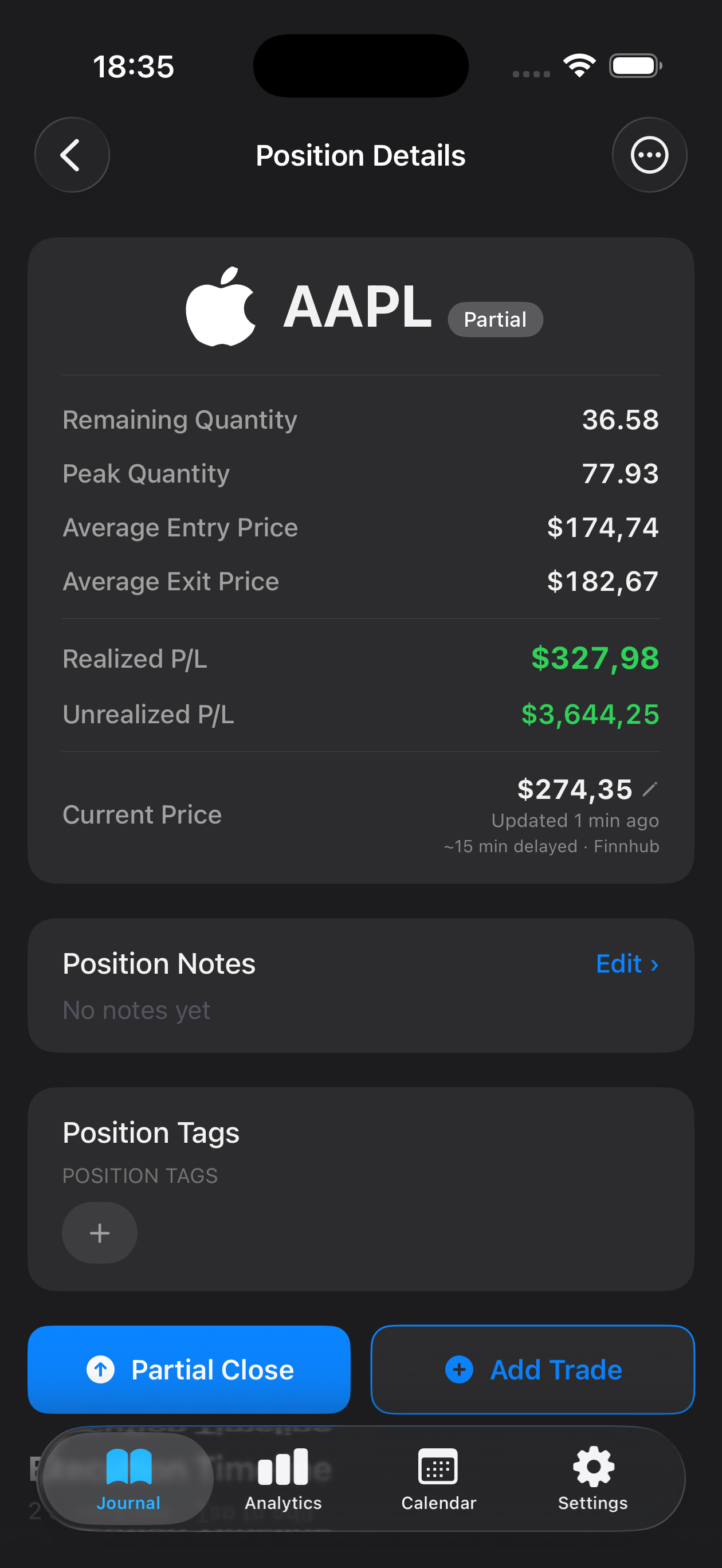
How emotion tagging works in Mantis
You tag the position, not a diary that sits beside the blotter. The App Store listing names the kind of words traders reach for: confident, patient, fearful, impulsive. A strategy tag lives on the same position. One tap labels the whole trade. If a single fill felt different, you override that execution and leave the rest of the position as it was.
You can also set a confidence level and write a short note. The note is the sentence you will not remember by the weekend: why you entered, what you were watching, and whether you hesitated. Later you can search the journal by symbol when you want one name in front of you.
The tag is a label you chose while the trade was still fresh. Mantis does not assign it for you, and it does not turn the label into advice. If you skip the tag, the row still has a price and a P&L. It just will not tell you how you felt. Emotion and strategy sit on the position, with the numbers on the same row.
Reading emotion against P&L
Insights is where the tag meets the money. Emotion impact on P&L sits there, so you can see whether trades you marked fearful or impatient earned differently from the ones you marked confident or patient. Win rate and P&L for the journal are on the free tier. Deeper emotion analytics are Premium.
R-multiples are Premium as well. Mantis calculates an R once you set a stop, and that view is not part of the free journal. CSV export of the log is Premium too. The free tier still shows the trade, the tag, and the result for up to 10 trades a month.
Read the chart as a record of what you already did. A pattern in last month's tags does not mean the next trade will follow it. A journal shows the pairing you would otherwise forget. It does not guarantee profits.
Fear and impatience are the two feelings the title of this page names because they are easy to recognise after the fact and easy to skip in the moment. The tag only helps if you set it when the trade is open or just closed, not when you already know the P&L and want a flattering story.
A simple weekly review
Once a week, use three things the app already has: the trade log, the weekly report, and the calendar heatmap. You do not need a second notebook.
The weekly report shows this week's realized P&L, win rate, and your best and worst days. The calendar heatmap shows P&L by day, so a heavy day is visible on the grid before you open it. Historical weeks of the weekly report are Premium. If you are on the free tier, review the current week.
- Scan the week's trades in the log. Notice which emotion tags repeat on the losing trades and which repeat on the winning ones.
- Read the weekly report for realized P&L, win rate, and the best and worst days.
- Use the calendar heatmap to find the days that stand out, then open those days in the log and read the notes you wrote.
- Pick one thing to watch next week. Put it in the note on the next trade you log, so the reminder sits on a real fill.
Mantis does not walk you through those four steps. It does not count how many weeks in a row you opened the report, and it does not store a rule you have to mark off before you enter. You do the reading. The log holds the tag, the note, and the P&L. If your worst day is tagged impatient all the way down, that sentence is the review. If the tags and the P&L are both mixed, the week may not have a lesson, and that is still a result.
What Mantis does not do
Mantis is a local-first iPhone app. There is no Android app and no web app. There is no account. Trades stay on the device. There is no cloud copy of the journal for Mantis to keep.
Broker import is narrow. There is no automatic sync from brokers in general. The exception is Interactive Brokers Flex, and that import is Premium. CSV import is Premium only. It accepts TraderSync, Tradervue, IBKR, and Mantis CSV files, plus an IBKR Flex Query. CSV export is Premium. R-multiples are Premium.
The free tier is 10 trades a month. Emotion tags are included on those trades. Premium is what adds unlimited trades, deeper emotion analytics, the R-multiple view, CSV import and export, and the IBKR Flex import.
Mantis will not enforce your trading rules. It will not hand you a list to complete before you enter, and it will not score how consistent your reviews have been. You tag what you felt, and you read it against the P&L later. If you want the wider iPhone comparison, see how Mantis sits next to other journal apps.
Frequently asked questions
Is there a free trading psychology app?
Mantis is free to start on iPhone. The free tier covers 10 trades a month, and those trades can carry an emotion tag, a strategy tag, a confidence level, and notes. There is no account. Premium adds unlimited trades, deeper emotion analytics, R-multiples, CSV import and export, and IBKR Flex import.
Can I import my trades?
Yes, on Premium. CSV import accepts TraderSync, Tradervue, IBKR, and Mantis CSV files. Interactive Brokers users can also pull trades with a Flex Query. There is no automatic sync for other brokers. You can still type trades in by hand on the free tier, up to 10 a month.
Does it work for stocks, options, futures, and forex?
Yes. You log the trade yourself, so the same journal covers stocks, options, futures, forex, and crypto. Mantis does not connect to those markets for you, except through the IBKR Flex import on Premium.
Where do I see whether fear lined up with the result?
In Insights. Emotion impact on P&L sits there. Win rate and P&L are on the free journal. Deeper emotion analytics are Premium. The weekly report is where you read this week's realized P&L, win rate, and best and worst days.
Where to go next
The trading journals hub groups the rest of the library by market and by style. If you want the definition before the workflow, read what a trading journal is.
Narrower logs cover one pattern each: tilt, impulsive trades, revenge trades, FOMO, overtrading, and discipline. Those pages stay. This one is the app page: how the emotion tag is stored, how it lines up with P&L, what is free, and what Mantis will not do for you.
Important: Mantis is a trading journal and analytics tool. This page is not investment advice, not financial advice, and not a recommendation to buy or sell any security or instrument. Trading involves risk; past performance does not guarantee future results. Consult a qualified professional before making financial decisions.