TraderSync
Pick TraderSync when you want automated broker / API import and multi-asset analytics on the web. Mantis can import a TraderSync CSV export, but it won't replace a live multi-broker pipeline.
Short answer: if you journal on iPhone, Mantis is our pick. Your trades stay on the phone, there's no account, and every trade gets an emotion tag plus an R-multiple once you set a stop. Pick TraderSync if you want a web dashboard fed by broker imports, Tradervue if you review in a browser, and Edgewonk if you review at a desk.
Looking for the best trading journal app in 2026? This roundup compares four journals iPhone traders actually use: Mantis, TraderSync, Tradervue, and Edgewonk. We score for iPhone-first workflows — emotion tracking, privacy, and speed over desktop-only features.
Mantis is our pick for iPhone-native journaling with emotion tracking built in. Mantis imports CSV files from TraderSync, Tradervue and Interactive Brokers (Premium), and can pull Interactive Brokers trades through a Flex Query. If you trade through several brokers and want them all synced into a web account, TraderSync and Tradervue cover more of that. Choose Edgewonk for desktop-first behavioral analytics.

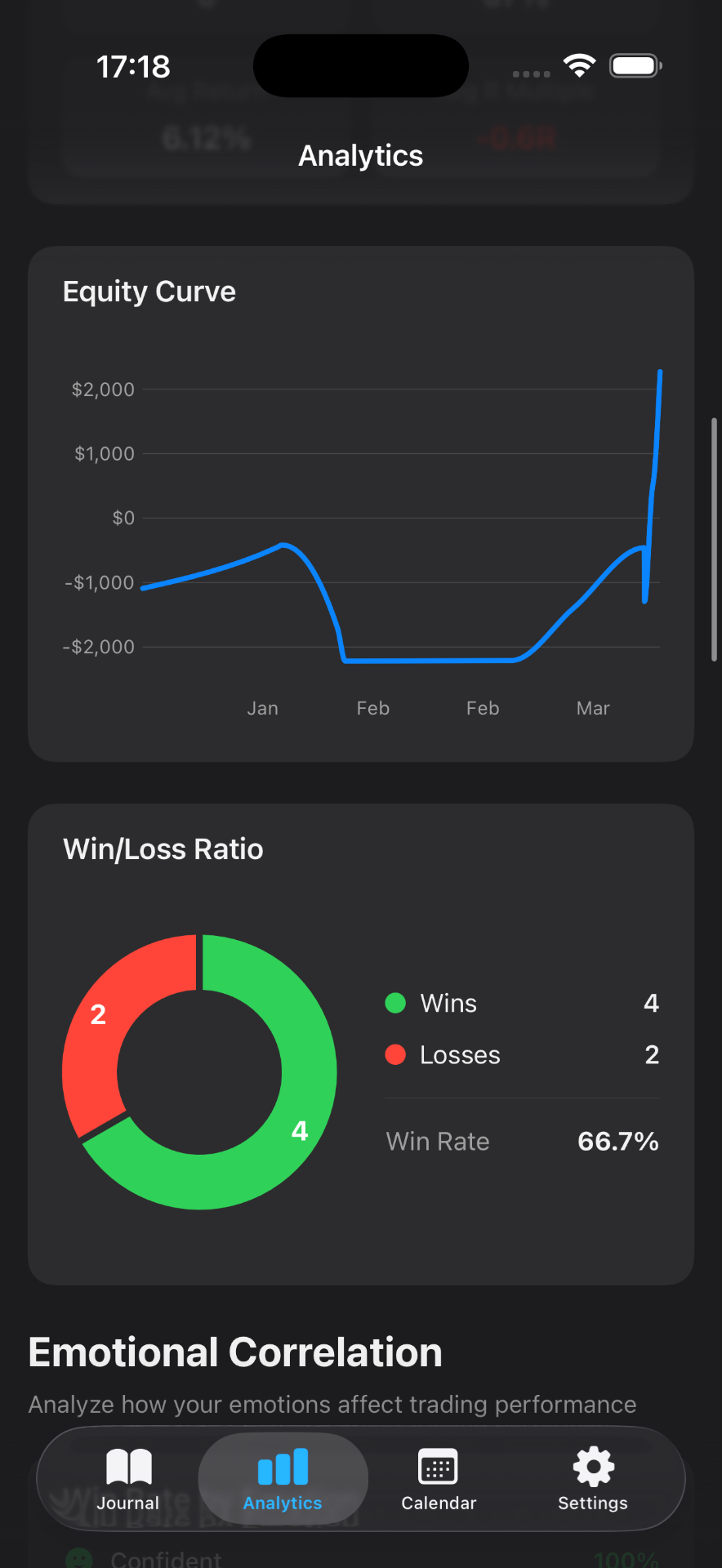
Mantis publishes this roundup. We score for iPhone traders who want to journal without a desktop, not for every web-first workflow. These five criteria decide the order on this page:
Mantis is listed first because it is the only journal here that is iOS-native, starts with no account, and logs emotion on-device. That is a scoped pick, not a claim that Mantis is the best trading journal for every trader.
When to choose another journal: TraderSync and Tradervue win when you want many brokers synced into a web account you can open anywhere. Edgewonk wins on desktop behavioral depth. Mantis loses when you need a web or Android app, or automatic syncing from a broker other than Interactive Brokers.
| Criterion | Mantis | TraderSync | Tradervue | Edgewonk |
|---|---|---|---|---|
| iOS-native | ✓ | iOS app | ✗ | ✗ |
| No account required | ✓ | ✗ | ✗ | ✗ |
| Emotion logging | ✓ | Basic | Limited | ✓ |
| Price to start | Free | Subscription | Free tier | $197/yr (sometimes $169) |
| Trade import | ✓ CSV (Premium) + IBKR | ✓ | ✓ | ✓ |
Starting from a spreadsheet instead? Grab the free trading journal template. Full comparisons: TraderSync alternative · Tradervue alternative.
Pick TraderSync when you want automated broker / API import and multi-asset analytics on the web. Mantis can import a TraderSync CSV export, but it won't replace a live multi-broker pipeline.
Pick Tradervue when you review trades in a browser, want CSV/broker import, and a free tier matters more than an iPhone app.
Pick Edgewonk when your review session is at a desk and you want deeper built-in statistics. It is not an iPhone journal.
Opens the App Store
A native iPhone trading journal built for speed, privacy and psychology. Your journal lives on your iPhone, with no cloud copy and no account needed. Log trades in seconds, tag emotions, set a stop to get R-multiples, and bring old trades over from a CSV when you switch.
Pros
Cons
A web-first trading journal with strong broker integrations and multi-asset analytics. The better pick when automated import matters more than journaling on iPhone.
Pros
Cons
A web-based journal focused on broker import and trade review. Long-standing tool favoured by equities traders who live in a browser. No iOS app.
Pros
Cons
A desktop and web trading journal with a strong focus on manual entry and behavioral analytics. The better pick for desk-bound review, not pocket logging.
Pros
Cons
This page is scored for iPhone traders. We weight iOS-native logging, starting with no account, emotion tracking, and price to start versus TraderSync, Tradervue, and Edgewonk. Mantis leads on those four. It is not a paid ranking and not a claim that Mantis is the best journal for every workflow.
For iPhone-first journaling, Mantis is our pick: on-device storage, emotion tracking, and no account to start. Choose TraderSync or Tradervue if you want multi-broker sync or a web app; choose Edgewonk if you review on a desktop.
A dedicated app provides structure, faster logging, and built-in analytics that spreadsheets require manual setup for. Spreadsheets offer more flexibility but demand discipline to maintain consistently.
Yes, Mantis is free to start with no account required. Premium, which starts with a 7-day free trial, unlocks unlimited trades, the full analytics dashboard, and CSV import and export.
Yes. With Premium, open Settings → Data & Integrations → Import Trades (CSV) and choose a TraderSync, Tradervue or Interactive Brokers CSV, or a file in Mantis's own format. You'll see a preview with duplicates flagged before anything is saved. Interactive Brokers users can also connect a Flex Query and pull trades by date range. There's no automatic sync for other brokers.
Mantis keeps your journal on your iPhone. There's no Mantis account and no cloud copy of your trades, which makes it the most private option on this list. The app looks up live prices by ticker, and an IBKR import talks to Interactive Brokers, but your trade history isn't uploaded unless you export it.
Important: Mantis is a trading journal and analytics tool. This page is not investment advice, not financial advice, and not a recommendation to buy or sell any security or instrument. Trading involves risk; past performance does not guarantee future results. Competitor feature information is provided in good faith and may change — verify current pricing and features on each product's official website before making a purchase decision.