Log Support & Resistance Levels
Record the exact price zones you're trading. Mark failed breaks, bounces, and how often levels held. Identify your most reliable ranges over weeks and months.
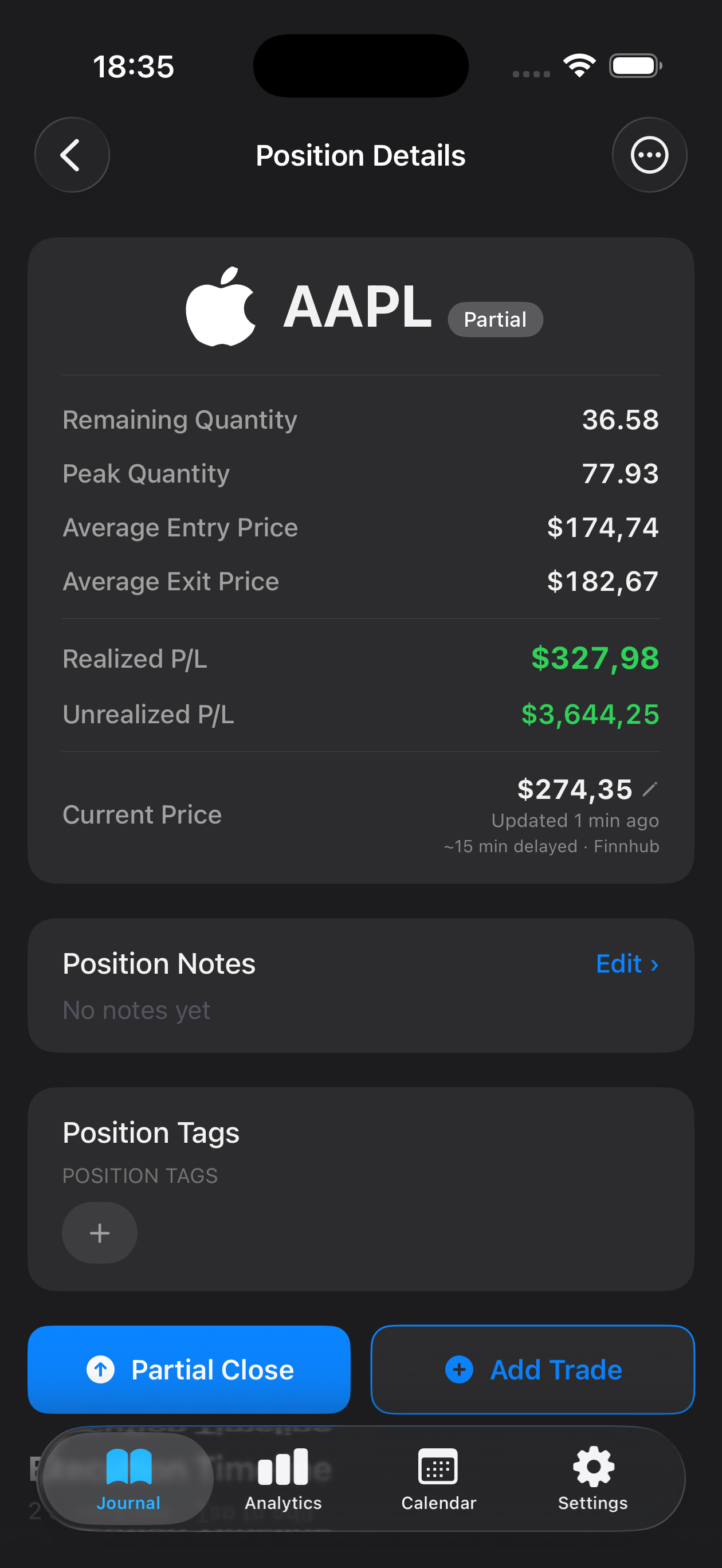
Range trading thrives on consistency and pattern recognition—buying support, selling resistance, and repeating the cycle. Mantis gives you a dedicated journal to track every entry, exit, and support/resistance level you identify. Record your setup conditions, note what triggered each trade, and build a personal playbook of your range-bound setups. Over time, you'll spot which price zones work best for your style, refine your timing, and measure whether your ranges are holding as expected. All your data stays private on your device—no syncing, no cloud upload.

Opens the App Store
Record the exact price zones you're trading. Mark failed breaks, bounces, and how often levels held. Identify your most reliable ranges over weeks and months.
Document why you entered at support or exited at resistance. Capture what price action or indicator confluence convinced you. Review patterns later to sharpen your setup recognition.
See at a glance how many range trades closed profitably and how long they typically lasted. Spot whether certain times of day or market conditions favor your ranges.
Search and filter your trade history by instrument, outcome, or date range. Compare similar setup conditions side-by-side to refine your entry and exit discipline.
Your journal stays on your phone or tablet. No cloud syncing means your trade data remains completely private and always accessible, even without internet.
Open a new trade entry, set your entry price and support/resistance zone, add notes about what confirmed the setup (e.g., rejection at resistance, bounce from support), and record your exit. Later, mark it closed and note any lessons learned.
Yes. Create separate trade entries for each range setup you're monitoring. Use notes to distinguish between, say, a short-term intraday range and a longer-term swing range on the same asset.
No. Mantis stores all your journal data locally on your device only. There is no cloud sync or automatic backup—your trades remain private and under your control.
Mantis shows your win rate, average trade duration, and trade count. Filter by date, symbol, or outcome to analyze specific periods or ranges where you found the most success.
Yes. While designed with range traders in mind, Mantis works for any trading style—swing, day trading, scalping, and more. Customize your notes to fit your approach.
Important: Mantis is a trading journal and analytics tool. This page is not investment advice, not financial advice, and not a recommendation to buy or sell any security or instrument. Trading involves risk; past performance does not guarantee future results. Consult a qualified professional before making financial decisions.