Track Hold Duration & Exit Discipline
Log how long you stayed in each trend and whether you exited on signal, emotion, or time stop. Identify patterns where you cut winners early or held losers too long, then adjust your rules accordingly.
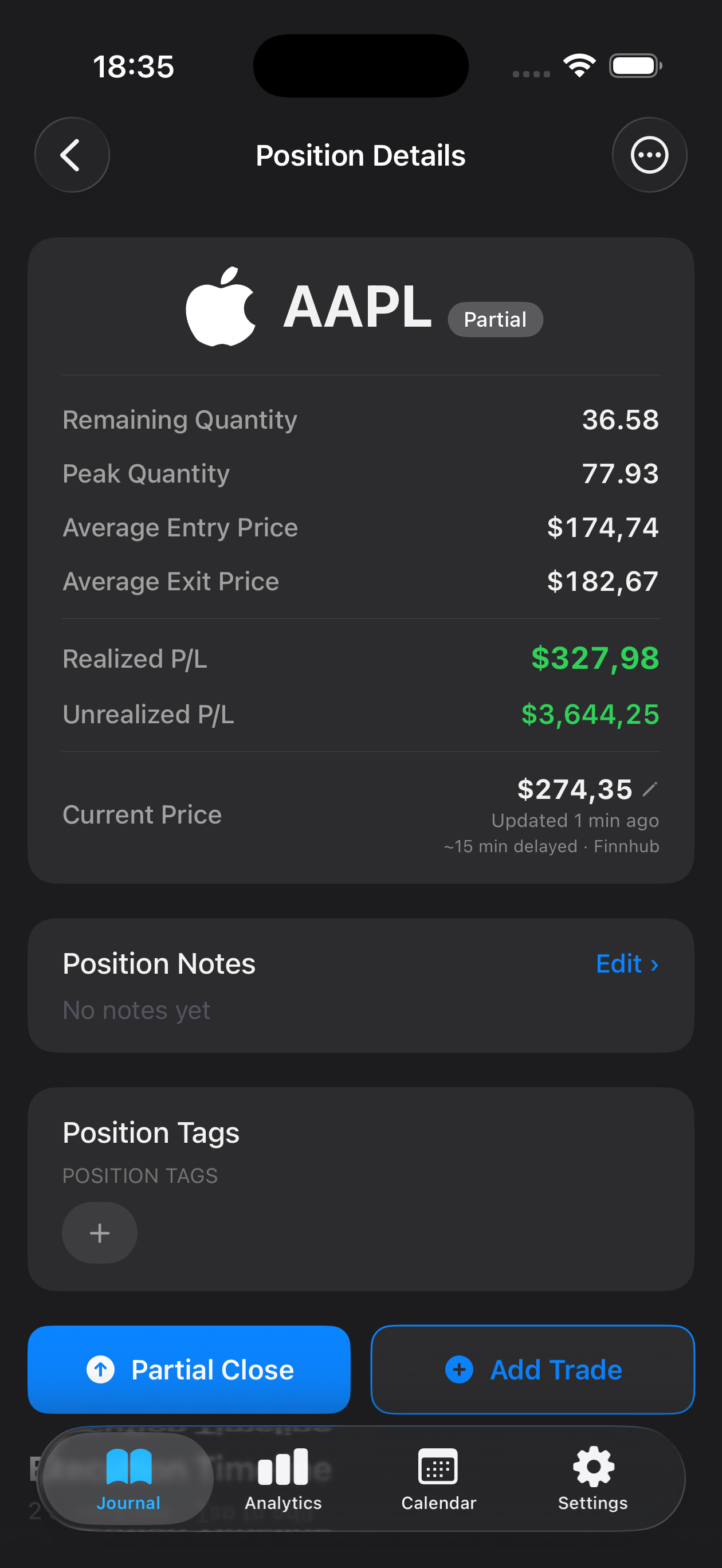
Trend following demands patience, conviction, and a disciplined approach to riding momentum while managing drawdowns. Whether you're tracking macro moves in commodities, forex pairs, or equity indices, your edge lies in letting winners run and cutting losers systematically. Mantis helps you log every entry, exit, and re-entry with precision—capturing context around stop adjustments, position sizing, and the psychological battles that come with holding through noise. Review your trades by duration, maximum adverse excursion, and win streak patterns to refine your rules and build the emotional stamina trend following requires. All data stays locally on your iPhone—no cloud sync, no external servers—so your strategy and performance remain private.

Opens the App Store
Log how long you stayed in each trend and whether you exited on signal, emotion, or time stop. Identify patterns where you cut winners early or held losers too long, then adjust your rules accordingly.
Record peak-to-trough moves and how you managed open equity swings. Compare your actual behavior against your system's expected drawdown to spot when fear or greed disrupts your plan.
Trend followers often win less than 50% of the time but capture outsized gains. Review your average win versus average loss to confirm your edge remains intact across market cycles.
Note when and why you added to positions or re-entered after a stop-out. Track whether scaling in improved or diluted your results, and refine your rules for adding exposure.
Tag trades by volatility environment or trend strength. Spot which conditions produce your best R-multiples and which regimes demand tighter risk controls or a flat book.
By logging every trade with notes on your exit reasoning, you can review whether you're bailing on valid signals or sticking to your plan. Over time, you'll see patterns in premature exits and build the conviction to let trends play out.
Yes. Log each leg separately—initial entry, pyramids, and re-entries—so you can analyze whether adding to winners improved your overall position P&L or introduced unnecessary risk.
You log entry, exit, and any intra-trade lows or highs in your notes. While Mantis doesn't auto-compute MAE, you can review your records to see how much heat you took before a trend resumed, helping you calibrate stop placement.
No. Mantis keeps all trade logs, notes, and images locally on your iPhone. There is no iCloud sync or cloud backup—your strategy and performance stay entirely private and offline.
Use tags or notes to mark regime types—trending, choppy, high volatility—then filter your trade history. You'll quickly see which environments suit your system and where you need to tighten risk or step aside.
Important: Mantis is a trading journal and analytics tool. This page is not investment advice, not financial advice, and not a recommendation to buy or sell any security or instrument. Trading involves risk; past performance does not guarantee future results. Consult a qualified professional before making financial decisions.